KS4034 Keyestudio micro bit 4WD Mecanum Robot Car Kit V2.0
Pay special attention
1. This product contains small parts. Do not swallow. 2. Do not allow children under 3 years of age to play with or near this product. . 3. Do not allow children who lack safety capabilities to use this product without parental supervision. 4. Do not use this product or its components near any AC power sockets or other circuits to avoid the risk of electric shock. 5. Do not use in the vicinity of liquid or fire. 6. Keep conductive material refrain from the product 7. Do not store or use the product under extreme conditions such as high or low temperature and high humidity. 8. Please turn off the circuit when leaving or not using the product. 9. Do not touch any moving or rotating parts of the product when operating the product. 10. It is normal that parts of the product may become hot when used in certain circuit designs. Improper handling may result in overheating. 11. Failure to use the product in accordance with specifications may damage the product.
Resource Download
To help you quickly obtain related codes, libraries, and other support files for this product, please click the links below to download:
Product Introduction
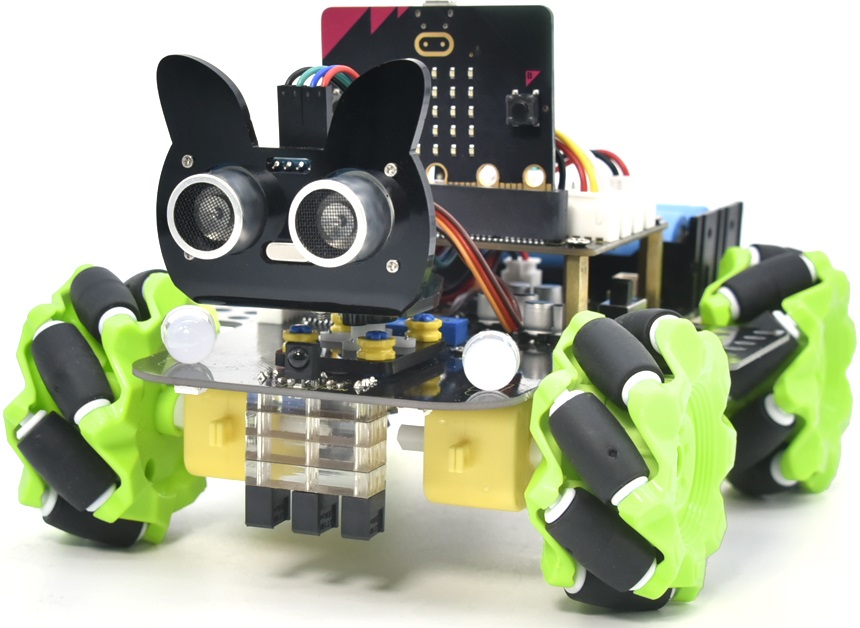
Have you wondered to learn programming or have your own programming robot? Nowadays, programming has developed to a lower age group, and it will be a trend for everyone thanks to the spread of simple graphical programming platforms, from micro:bit to Arduino and Raspberry Pi. Maybe you haven’t heard of them before. However, with the help of this product and tutorial, you can easily install a multi-functional programming car and experience the fun of being a maker.
Micro:bit is a highly integrated microcontroller with powerful functions and small size. It is very suitable to be applied in STEAM education for its functions to make robots, wearable devices and electronic interactive games via the combination of code programming and graphical programming.
This Keyestudio 4WD Mecanum Robot Car V2.0 is a smart DIY car dedicated to micro:bit. The smart car consists of a car body with extended functions, a PCB base plate with integrated motor drive sensors, 4 decelerating DC motors, Mecanum wheels, various modules and sensors as well as acrylic boards. Therefore, you can easily assemble a cool Mecanum wheel 4WD smart car by yourself,and then use Microsoft’s online graphical programming platform Make Code to program the micro:bit control board to control the car. In the process, you can not only experience the fun of creation but enhance hands-on ability and learn programming skills as well.
MakeCode for micro:bit is the most widely used graphical programming environment on the micro:bit official website. It is based on the graphical programming environment developed by Microsoft’s open source project MakeCode. This graphical programming can also be converted to code languages, python and javascript language, making it more accessible to learn programming. At the same time, MakeCode programming can be simulated or programmed for actual electronic components.
For your convenience, source code has been provided in every project, as well as code programming steps and code explanation in details. Hope you can better understand them.
Product Description
This product is a smart car based on Micro:bit. It integrates a host of functions such as ultrasonic following, line tracking, infrared control as well as Bluetooth control. There is a passive buzzer to play music, 4 WS2812RGB LEDs to display different colors, 2 seven-color lights to make direction lights for the car. This product uses two 18650 lithium batteries for power supply.
When installing and disassembling the battery, please pay attention to the positive and negative poles of the battery, and be sure not to reverse them. By the way, the motor speed of this product is adjustable.
In order to provide you with better experience, corresponding documents about installation and test code are also provided.
Product Parameters
Connector port input: DC 7V–9V
Operating voltage of driver board system: 5V
Standard operating power consumption: about 2.2W
Maximum power: 12W
Motor speed: 200RPM
Working temperature range: 0-50℃
Size: 120*120*120mm
Environmental protection attributes: ROHS
Note: The working voltage of micro:bit is 3.3V, and the driver shield integrates a 3.3V/5V communication conversion circuit.
Product Kit list
Please check the list to ensure that all parts are intact. If you find missing ones, please contact our sales staff immediately.
# |
Picture |
Name |
QTY |
|---|---|---|---|
1 |
|
Acrylic Board T=3mm |
1 |
2 |
|
Acrylic Board with Lego Holes T=3mm |
1 |
3 |
|
Motor Plate |
4 |
4 |
|
Motor |
4 |
5 |
|
23155MM Fixing Board |
4 |
6 |
|
Servo |
1 |
7 |
|
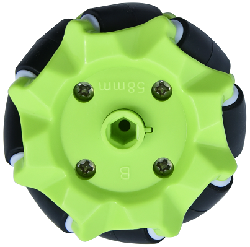
Mecanum Wheels (A direction) |
2 |
8 |
|
Mecanum Wheels (B direction) |
2 |
9 |
|
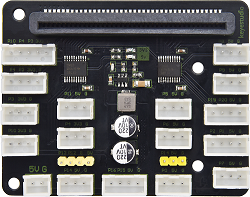
keyestudio Micro:bit Expansion Board |
1 |
10 |
|
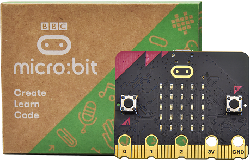
micro:bit V2.0 Mainboard |
1 |
11 |
|
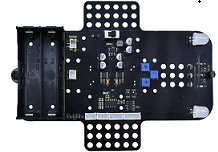
Keyestudio Mecanum Car Lower Plate |
1 |
12 |
|
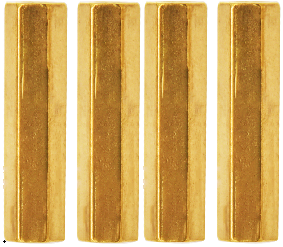
M3*20MM Dual-pass Copper Pillar |
4 |
13 |
|
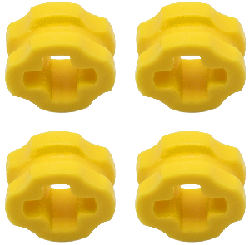
4265c Lego Part |
4 |
14 |
|
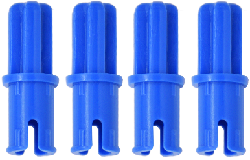
43093 Lego Part |
4 |
15 |
|
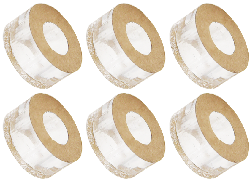
Acrylic Gasket |
1 |
16 |
|
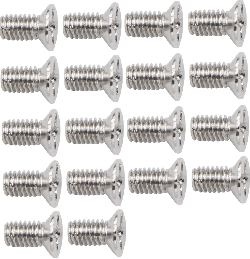
M3*6MM Flat Head Screw |
10 |
17 |
|
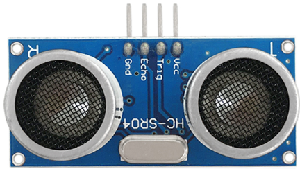
HC-SR04 Ultrasonic Sensor |
1 |
18 |
|
M3*8MM Flat Head Screw |
10 |
19 |
|
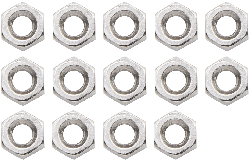
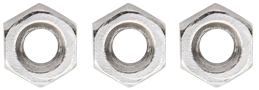
M3 Nickle-plated Nut |
10 |
20 |
|
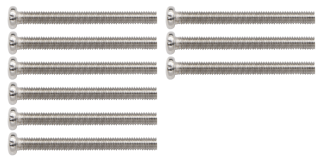
M3*30MM Round Head Screw |
9 |
21 |
|
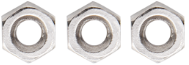
M2 Nickle-plated Nut |
3 |
22 |
|
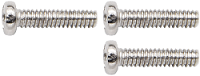
M2*8MM Round Head Screw |
3 |
23 |
|
M1.4 Nickle-plated Nut |
6 |
24 |
|
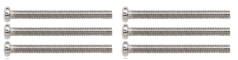
M1.4*10MM Round Head Screw |
6 |
25 |
|
M2.5*14MM Round Head Screw |
4 |
26 |
|
Remote Control |
1 |
27 |
|
Plastic String 3*100MM |
5 |
28 |
|
USB Cable |
1 |
29 |
|
HX2.54 2P DuPont Wire100mm |
1 |
30 |
|
XH2.54 5P DuPont Wire100mm |
1 |
31 |
|
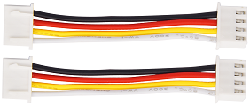
HX2.54 4P DuPont Wire 50mm |
1 |
32 |
|
HX2.54 4P to 2.54 F-F DuPont Wire 150mm |
1 |
33 |
|
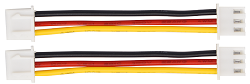
XH2.54 3P DuPont Wire 50mm |
2 |
34 |
|
3*40MM Screwdriver |
1 |
35 |
|
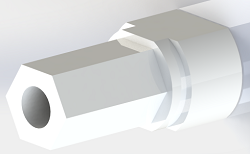
TT Coupling |
4 |
36 |
|
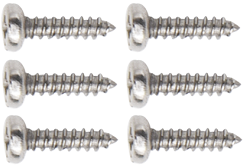
M1.2*5MM Round Head Self-tapping Screw |
6 |
37 |
|
M2.3*16MM Round-head screws |
4 |
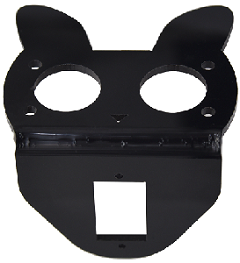
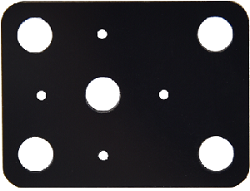
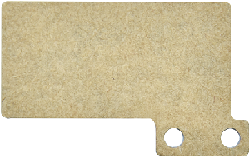
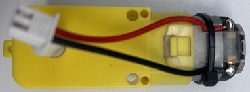
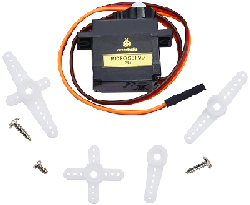
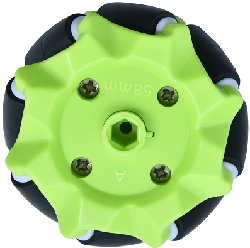


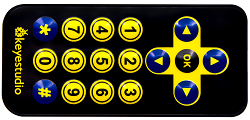



⚠️ Special Reminder: Remote Control(KS4034F/KS4035F with batteries; KS4034/KS4035 without batteries, Battery type: CR2025(provided by yourself))
⚠️ Special Reminder: micro:bit V2.0 Mainboard(KS4034/KS4034F with; KS4035/KS4035F without)
Preparations
BBC Micro:bit
(1) What is Micro:bit?
Micro:bit is an open source hardware platform based on the ARM architecture launched by British Broadcasting Corporation (BBC) together with ARM, Barclays, element14, Microsoft as well as other institutions. The core device is a 32-bit Arm Cortex-M4 with FPU micro-processing.
It is just the size of a credit card but it’s very powerful. The Micro:bit main board is equipped with a host of components such as a 5*5 LED dot matrix, 2 programmable buttons, an accelerometer, a compass, a thermometer, a touch-sensitive logo and a MEMS microphone, a Bluetooth module of low energy as well as a buzzer and so on, making it empower to play a variety of sounds without external devices.
Moreover, this board supports a sleeping mode to lower power consumption of batteries and it can be entered if users long press the Reset & Power button on the back of it.
Micro: Bit development board is easy to use and expand, the bottom gear design of the gold finger can be used to interact with various electronic components via fixed alligator clip. It is capable of reading the data of sensors, controlling servos and RGB lights and inserting an expansion board so as to connect various sensors.
Furthermore, it also supports a variety of codes and graphical programming platforms, and is compatible with almost all PCs and mobile devices and a free-installation driver. It has high integration electronic modules and a serial port monitoring function for easy debugging.
The board is widely used in programming video games, interactions between light and sound, robots controls, scientific experiments, wearable devices as well as some cool inventions like robots and musical instruments.
(2) Layout
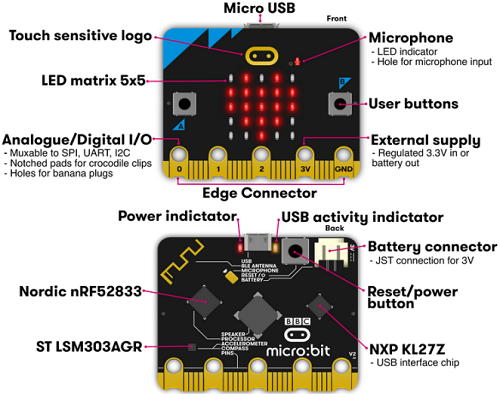
For more information,please resort to following links:
https://tech.microbit.org/hardware/
https://microbit.org/new-microbit/
https://www.microbit.org/get-started/user-guide/overview/
https://microbit.org/get-started/user-guide/features-in-depth/
(3) Pin out
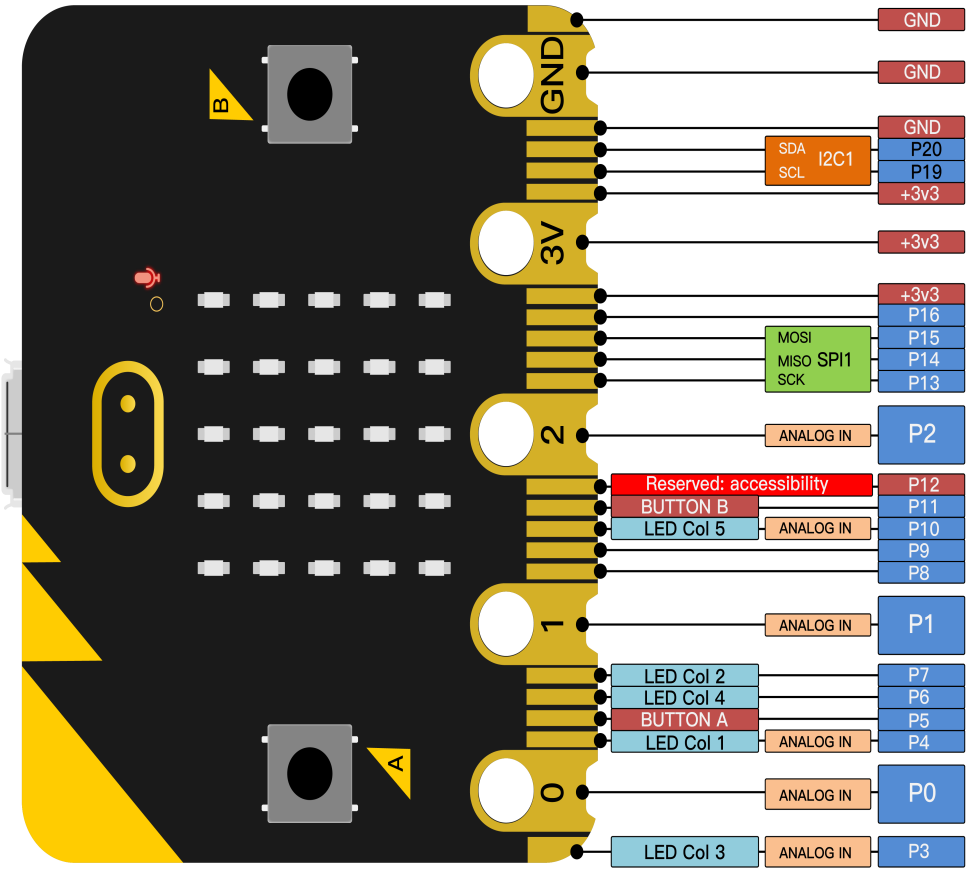
Functions:
GPIO |
P0,P1,P2,P3,P4,P5,P6,P7,P8,P9,P10,P11,P12,P13,P14,P15,P16,P19,P20 |
ADC/DAC |
P0,P1,P2,P3,P4,P10 |
IIC |
P19(SCL),P20(SDA) |
SPI |
P13(SCK),P14(MISO),P15(MOSI) |
PWM(used frequently) |
P0,P1,P2,P3,P4,P10 |
PWM(not frequently used) |
P5、P6、P7、P8、P9、P11、P12、P13、P14、P15、P16、P19、P20 |
Occupied |
P3(LED Col3),P4(LED Col1),P5(Button A),P6(LED Col4),P7(LED Col2),P10(LED Col5),P11(Button B) |
Please browse the official website for more details:https://tech.microbit.org/hardware/edgeconnector/
https://microbit.org/guide/hardware/pins/
(4) Precautions for using Micro:bit motherboard:
a. It is recommended to cover with a silicone protector to prevent short circuit for its sophisticated electronic components.
b. Its IO port is very weak in driving since it can merely handle current less than 300mA. Therefore, do not connect it with devices operating in a large current, such as MG995 servo and DC motor or it will get burnt. Furthermore, you must figure out the current requirements of the devices before you use them and it is generally recommended to use the board together with a Micro:bit expansion board.
c. It is recommended to power the main board via the USB interface or the battery of 3V. The IO port of this board is 3V, so it does not support sensors of 5V. If you need to connect sensors of 5 V, a Micro: Bit expansion board is required.
d. When using pins(P3, P4, P6, P7 and P10)shared with the LED dot matrix, blocking them from the matrix or the LEDs may display randomly and the data about sensors connected maybe wrong.
e. Pin 19 and 20 can not be used as IO ports though the Makecode shows they can. They can only be used as I2C communication.
f. The battery port of 3V cannot be connected with battery more than 3.3V or the main board will be damaged.
g. Forbid to operate it on metal products to avoid short circuit.
To put it simple, Micro:bit V2 main board is like a microcomputer, which has made programming at our fingertips and enhanced digital innovation. And as for programming environment, BBC provides a website: https://microbit.org/code/, which has a graphical MakeCode program easy for use.